Guide 2.6
Run a rehearsal and clear it afterwards
Practise with simulated scores before the real night, then wipe the practice so nothing is mixed into the real results.
Who can do thisSuper Admin
Super Admin only. Simulating scorecards and purging rehearsal data are limited to Super Admins, because purging cannot be undone.
A rehearsal round is a practice round. You switch a round to rehearsal when you create it (see Create and manage rounds). Rehearsal rounds can be filled with made-up scores so you can test the whole flow. A round already switched to live is never touched.
Fill a rehearsal round with practice scores
- Open the rehearsal round and make sure it is openThe button is greyed out on a live round, a locked round or a round that is not open yet. Hover over it to see why.
- Choose Actions, then Simulate scorecards, then confirmTallybox fills in the missing scorecards for active entrants with random scores, as if the judges had scored.
Clear the rehearsal
You can clear rehearsal data at three levels. Each one removes the practice scores from rehearsal rounds only, never from live ones. On a round it also closes and unlocks the round. The button is greyed out when there is nothing to purge.
- Purge rehearsal data on a round: in the round's Actions menu.
- Purge rehearsal rounds on a contest: in the contest's Actions menu.
- Purge rehearsal rounds on an event: the red button at the top of the event page.
- Open the event, contest or round you want to clear
- Choose the Purge button
- Read the question, then choose Confirm
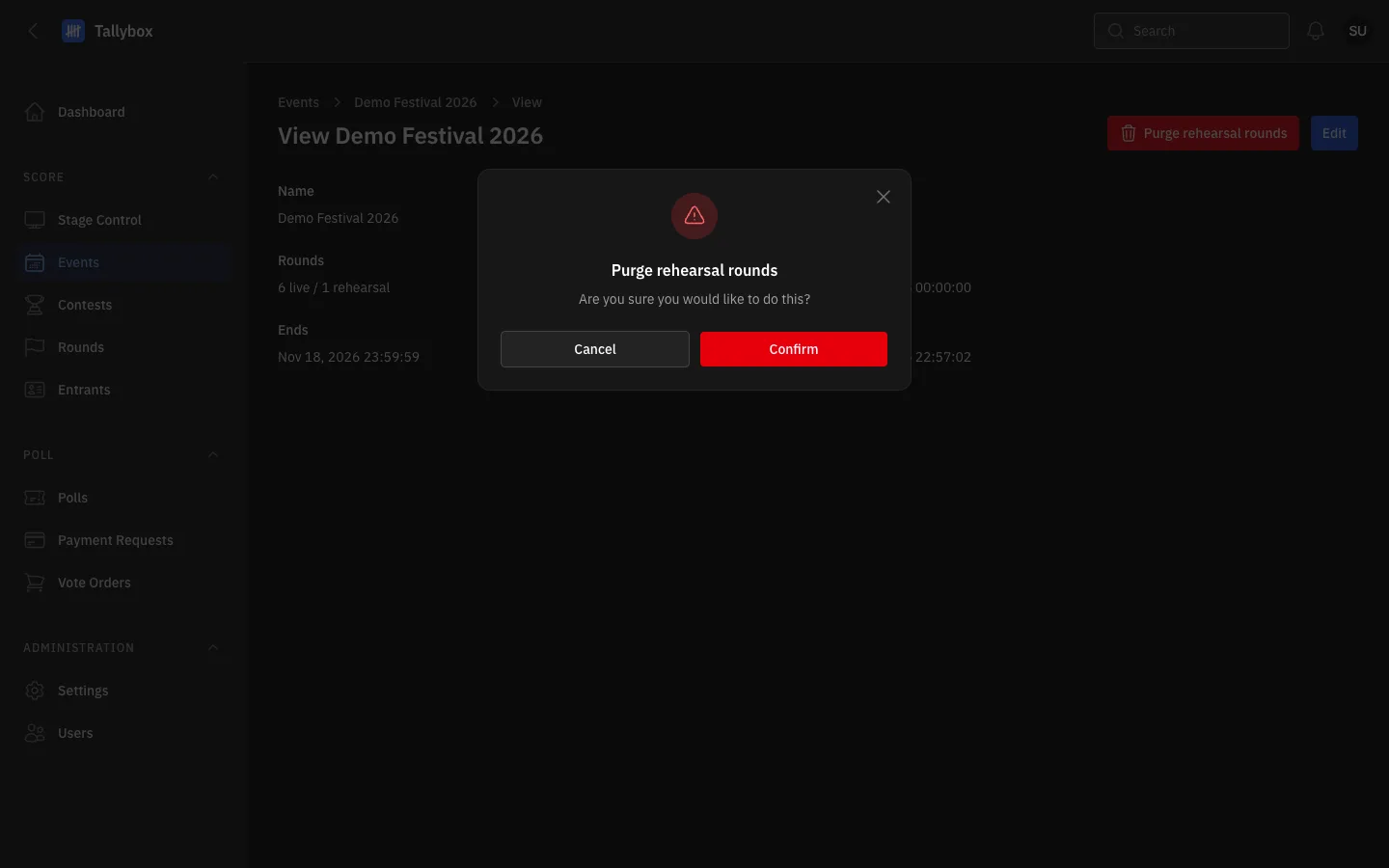
- Purge rehearsal rounds: Super Admin only.
- Confirm: this removes the practice scores for good.
Do this before the real night, not during it. Check the round is labelled rehearsal first. Cleared rehearsal data cannot be brought back.